
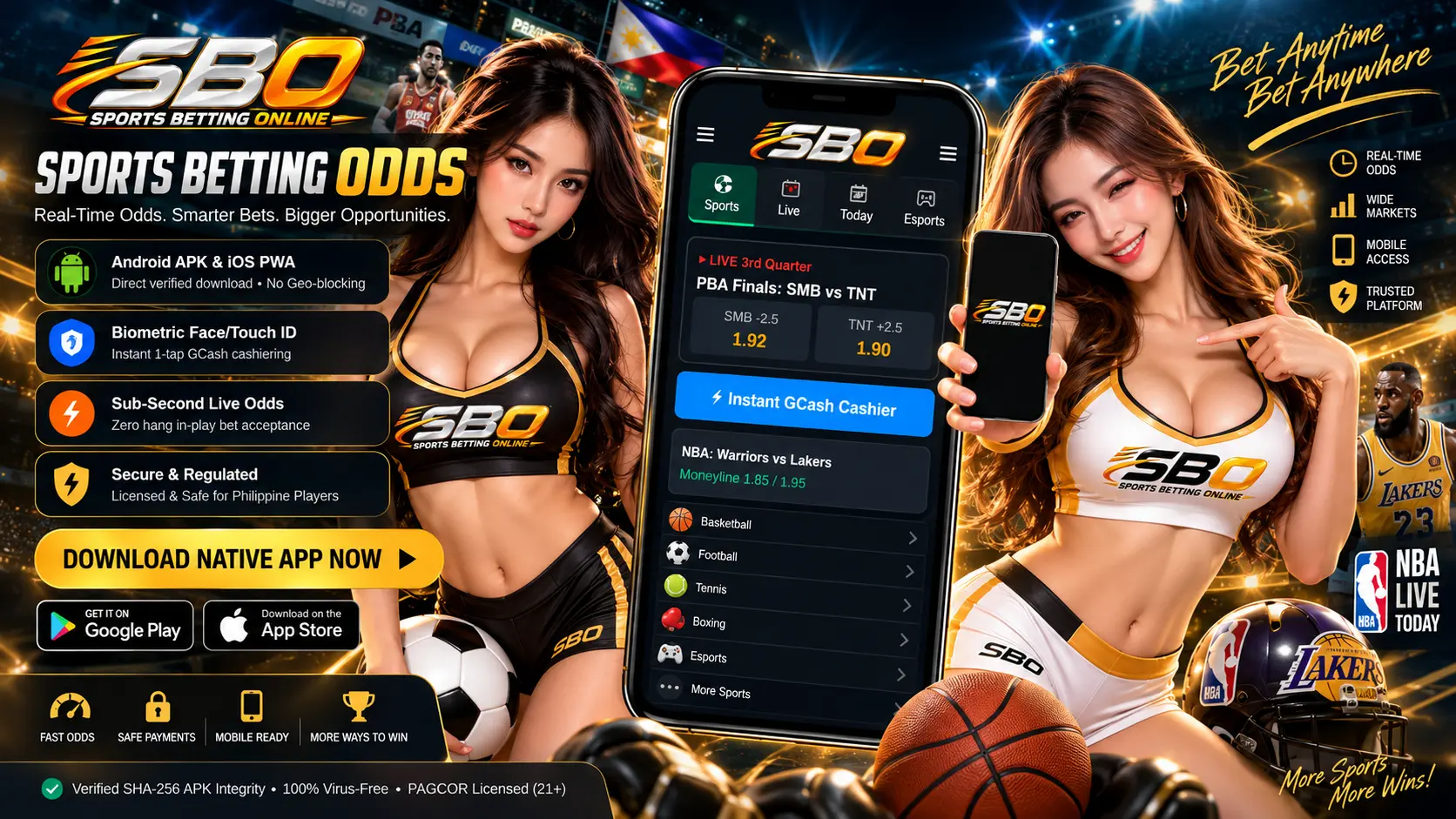
In the Philippines, mobile devices are the primary portal for sports betting. Whether tracking PBA fourth-quarter spreads or placing in-play bets on MPL Philippines, modern mobile applications provide instant access. However, mobile wagering introduces distinct security considerations — particularly regarding Android APK sideloading and biometric data protection.
1. Native Mobile Apps vs. Responsive Mobile Web
Most licensed sportsbooks offer both dedicated installable applications and responsive mobile browser sites (Chrome, Safari). Here is how they compare:
| Feature Dimension | Dedicated Native Mobile App | Mobile Browser (Web App) |
|---|---|---|
| Installation Requirement | Requires App Store download or manual APK install. | Zero install; runs directly in Chrome, Safari, or Brave. |
| Login Experience | Biometric (Face ID, Fingerprint scanner) for instant 1-touch login. | Manual password entry or browser keychain auto-fill. |
| In-Play Odds Latency | Fastest execution; cached UI assets reduce render delay. | Slightly higher latency due to continuous DOM rendering. |
| Push Notifications | Real-time alerts for kickoff, score updates, and settled bets. | Limited or disabled on many mobile operating systems. |
| Storage Footprint | Consumes 50MB to 150MB of internal device storage. | Negligible cache footprint; zero persistent disk space. |
2. Android APK Sideloading: Vital Safety Rules
Because Google Play Store policies in certain jurisdictions restrict direct downloads of real-money wagering apps, Philippine sportsbooks often distribute Android applications via downloadable .apk packages directly from their official websites.
To protect your mobile device and funds, always adhere to these rules:
3. Battery Life, Data Consumption & Live Feeds
Mobile sports betting applications run continuous WebSocket data streams to deliver live score changes and dynamic odds fluctuations.
- Data Usage: Pure text scoreboard updates consume very little bandwidth (2MB to 5MB per hour). However, watching integrated live video streams of matches can consume up to 800MB per hour. Connect to reliable Wi-Fi when watching live streams.
- Background Refresh: Disable background app refresh when not actively wagering to conserve battery life and prevent unexpected background cellular consumption.
- E-Wallet Deep Linking: Quality betting apps integrate seamless deep-linking to GCash and Maya, allowing one-tap cashier authorization without manually copying account numbers. Read our full Payment Methods Guide.
4. Mobile Betting Security Checklist
Frequently Asked Questions About Betting Apps
Can I use sports betting apps on iPhone (iOS) in the Philippines?
Yes. Many licensed operators maintain approved native apps on the official Apple App Store for the Philippine region. Alternatively, their Safari Progressive Web Apps (PWAs) can be added to your home screen with identical functionality.
What should I do if a betting app crashes during an in-play wager?
Check your "Bet History" tab immediately upon reopening the app. If the transaction was not recorded in settled or open wagers, the funds remain in your balance. Reputable platforms do not deduct stakes for unconfirmed transactions.
Are promotions available on mobile apps identical to desktop?
Yes. All welcome bonuses, free bets, and deposit matches are uniform across mobile and desktop. Certain operators even offer exclusive mobile-only free bets for first-time app logins. Learn more in our Promotions Guide.